
iPhone app · Free
A handstand first. Then your app.
Handstand Arena locks the apps you choose and unlocks them when you hold a handstand. The iPhone camera watches your technique, tells you what to fix and keeps your progress. Nothing it sees leaves your phone.
Coming soon to the App Store.
For iPhone with iOS 26.2 or later. No account.
On your iPhone
The camera is analyzed on the phone. Video is never saved or sent.
No account
No sign-up and no cloud. Your numbers stay with you.
Always an exit
Phone, Messages and Maps are never blocked, and there is an emergency unlock.
The lock
A lock that opens with your body
You choose which apps sit behind the shield and for how long they open. Your handstand decides the rest.
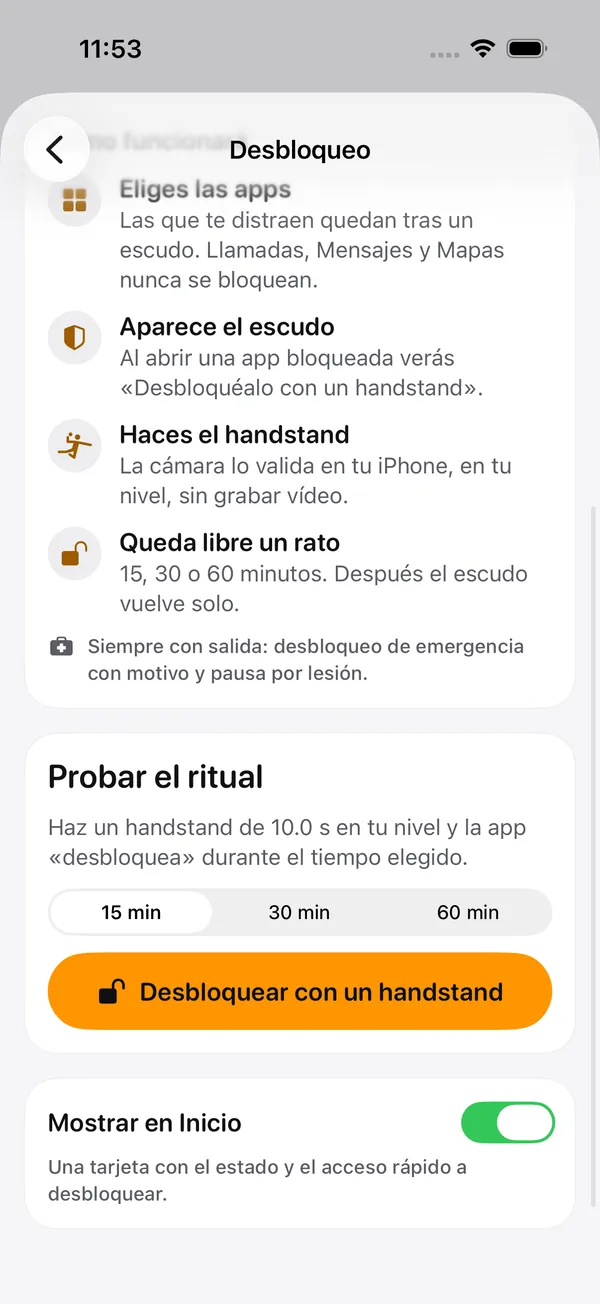
Pick your apps
The ones that distract you go behind a shield. Phone, Messages and Maps are never blocked.
The shield appears
Open a locked app and you see "Unlock it with a handstand".
Hold the handstand
The camera checks it on your iPhone, without recording video.
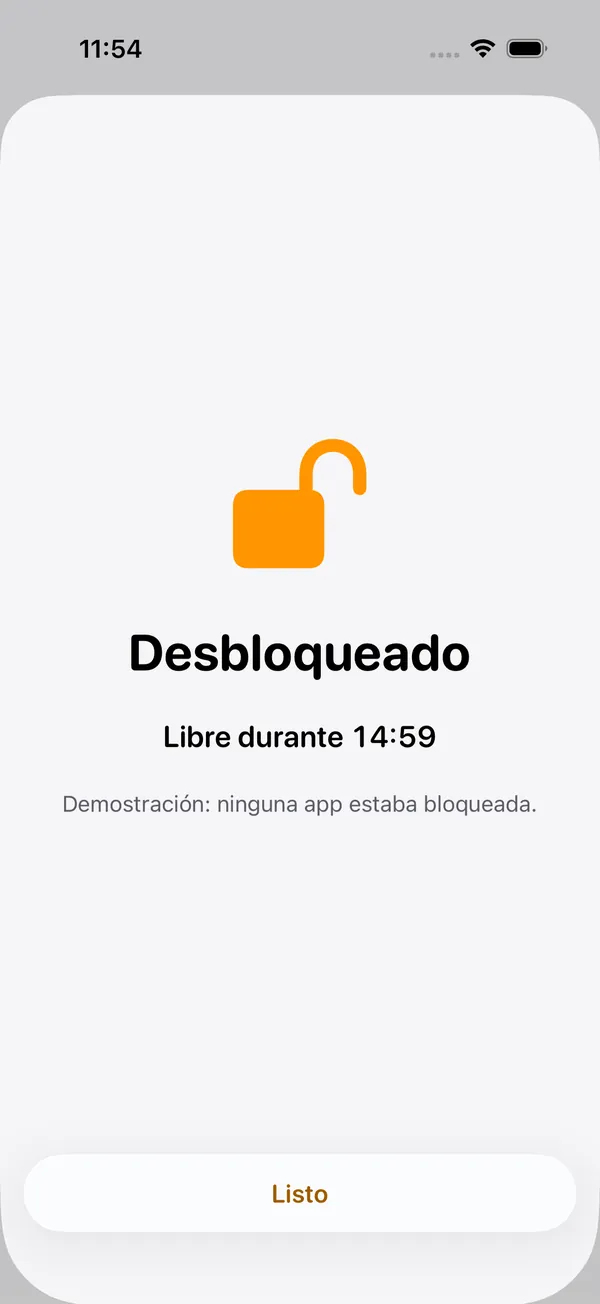
Free for a while
15, 30 or 60 minutes, your call. Then the shield comes back.
It is a commitment to yourself, not parental control: you choose the apps and the time, you can pause it if you get injured, and there is an emergency unlock.
The coach
It counts only if the camera sees it
There is no "I did it" button. Put the iPhone on the floor or on a tripod, the camera checks that your whole body is in frame and measures how long you hold.
Guided setup
It tells you if your whole body is in frame and if there is enough light before you start.
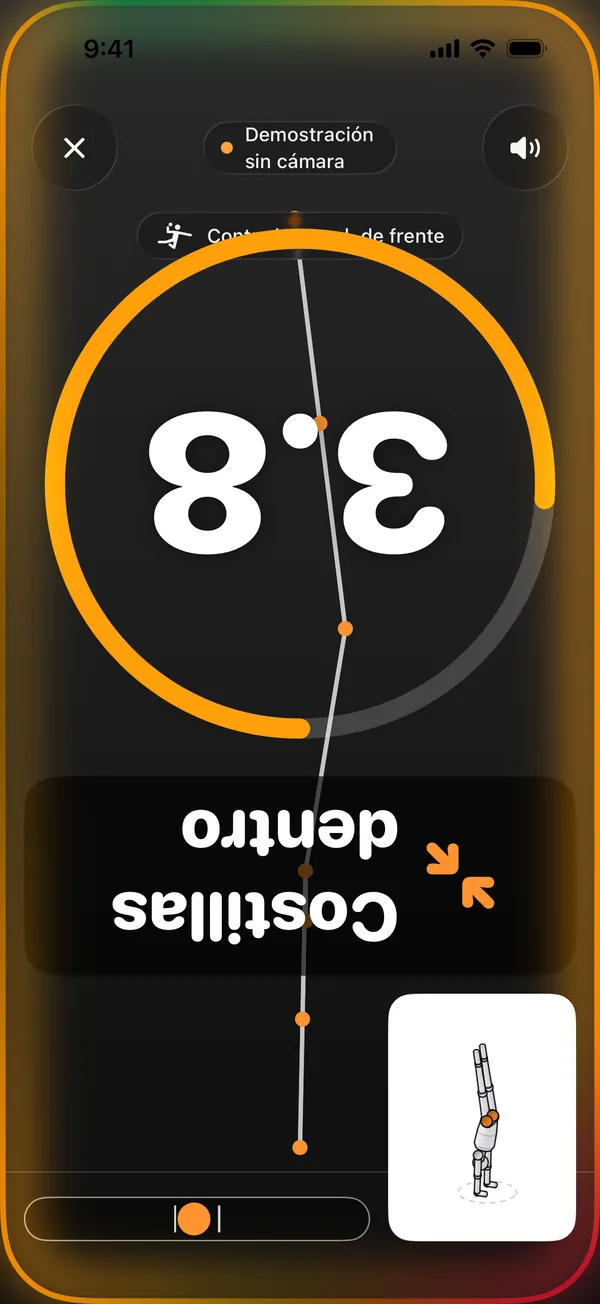
Time, in big type
A countdown and a timer you can read from the floor.
Text you can read upside down
Corrections appear rotated while you are inverted, so you do not have to come back to the screen.
Corrections
One correction at a time, the most important first
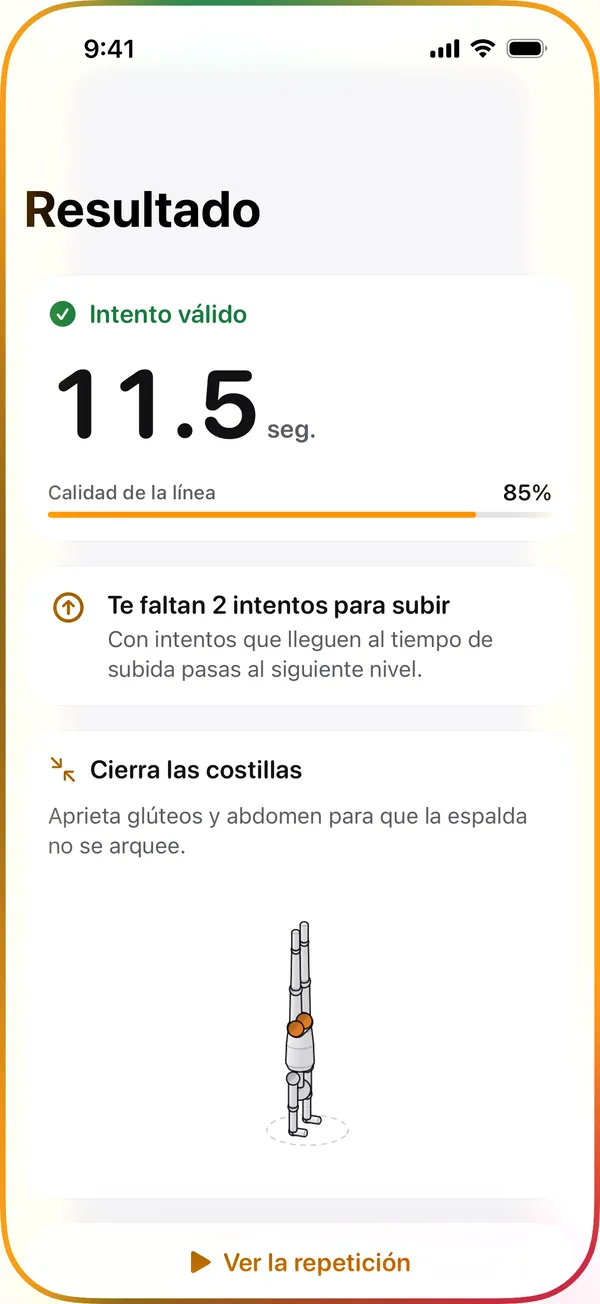
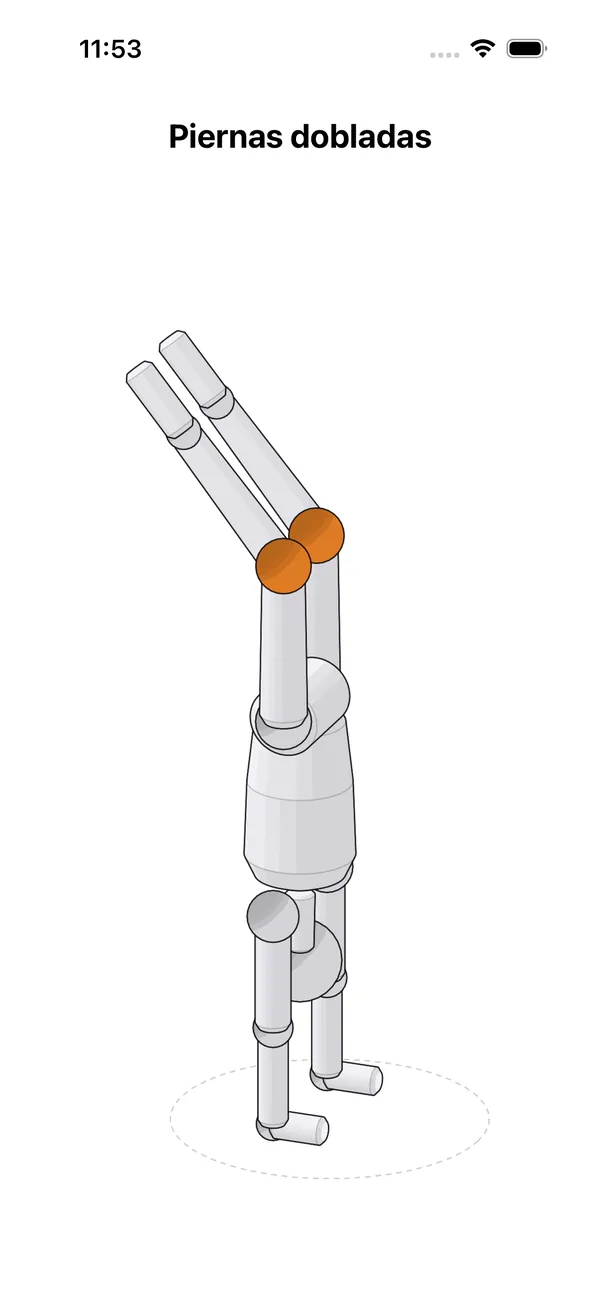
When you finish you see the result and an isometric mannequin showing where the line broke. Every attempt is measured on four things.
- Shoulder opening
- Hips over shoulders
- Straight legs
- Body line, wrist to ankle
Only numbers are stored: time, quality and angles.
Analyzed warm-up
Warm up with the camera as a witness
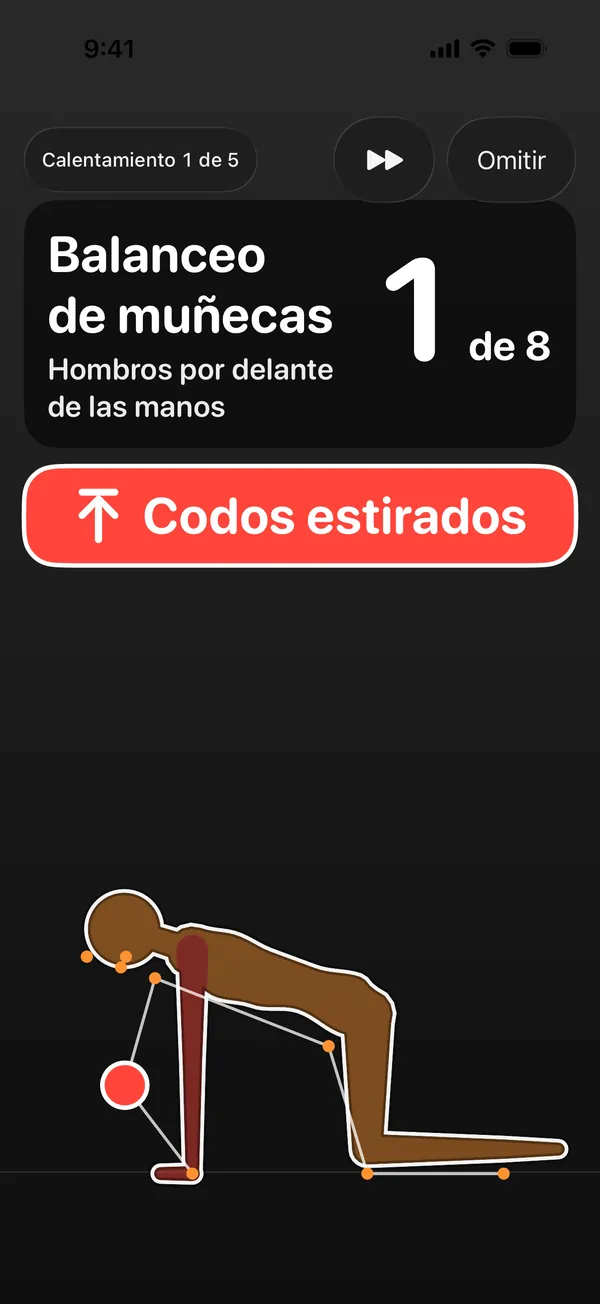
Wrists, shoulders and shoulder blades. The camera measures each repetition from the side and counts only the ones done well: range, rhythm and posture. No timers letting you rush through.
A silhouette at your size
It is drawn translucent over the camera, takes your scale and turns red where you fall short.
It tells you out loud
The full instruction when each exercise starts and a summary at the end.
Text you can read from 2 m
Name, count and correction in big type, with the lower half left free for your body.
Progress and achievements
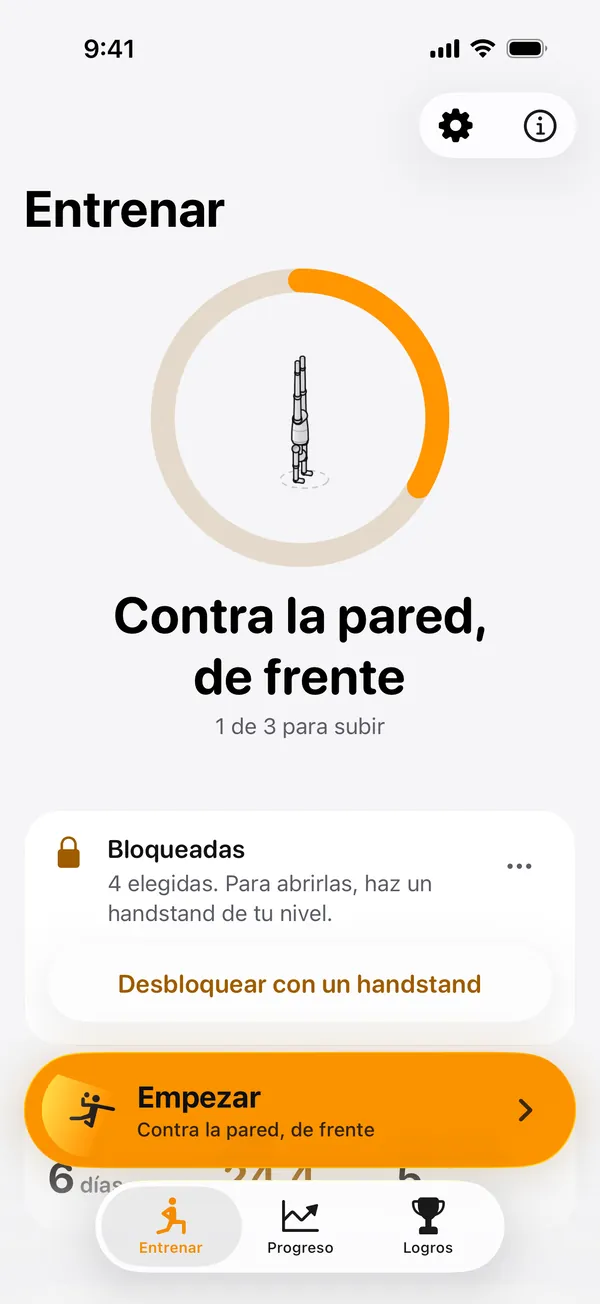
Your ladder, one rung at a time
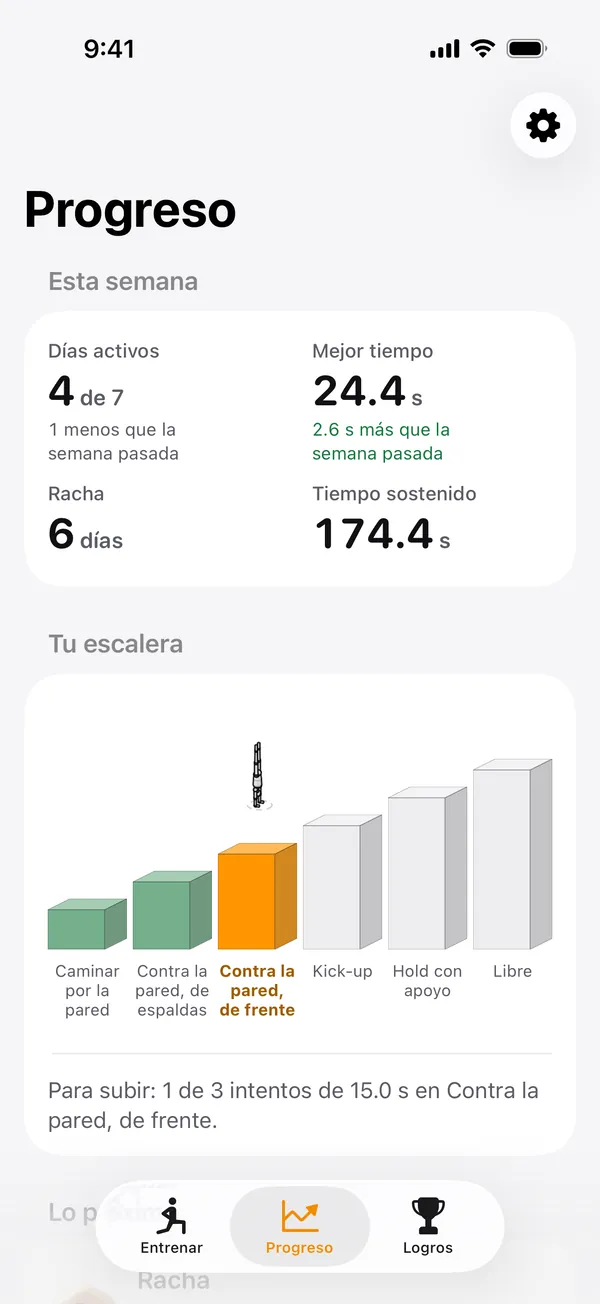
You start against the wall and move up when you collect valid attempts at your level. Watch your streak, your best time and your medals.
The levels
- Wall walking
- Against the wall, back to wall
- Against the wall, facing it
- Kick-up
- Supported hold
- Free
Your week at a glance
Active days, best time, streak and time held.
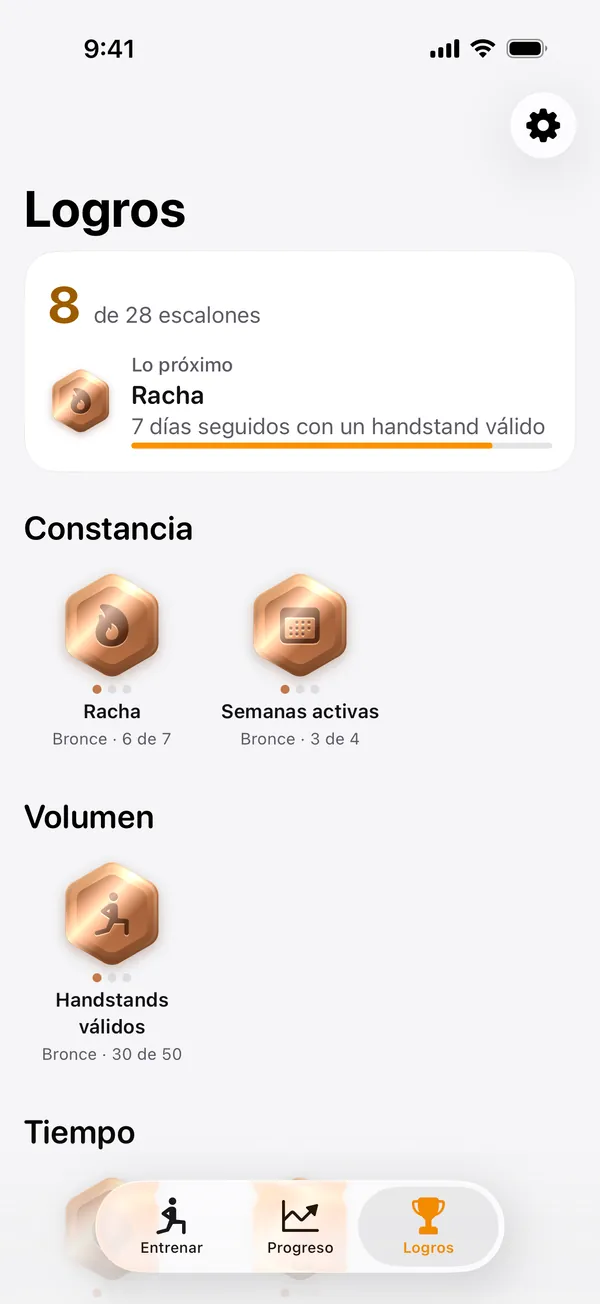
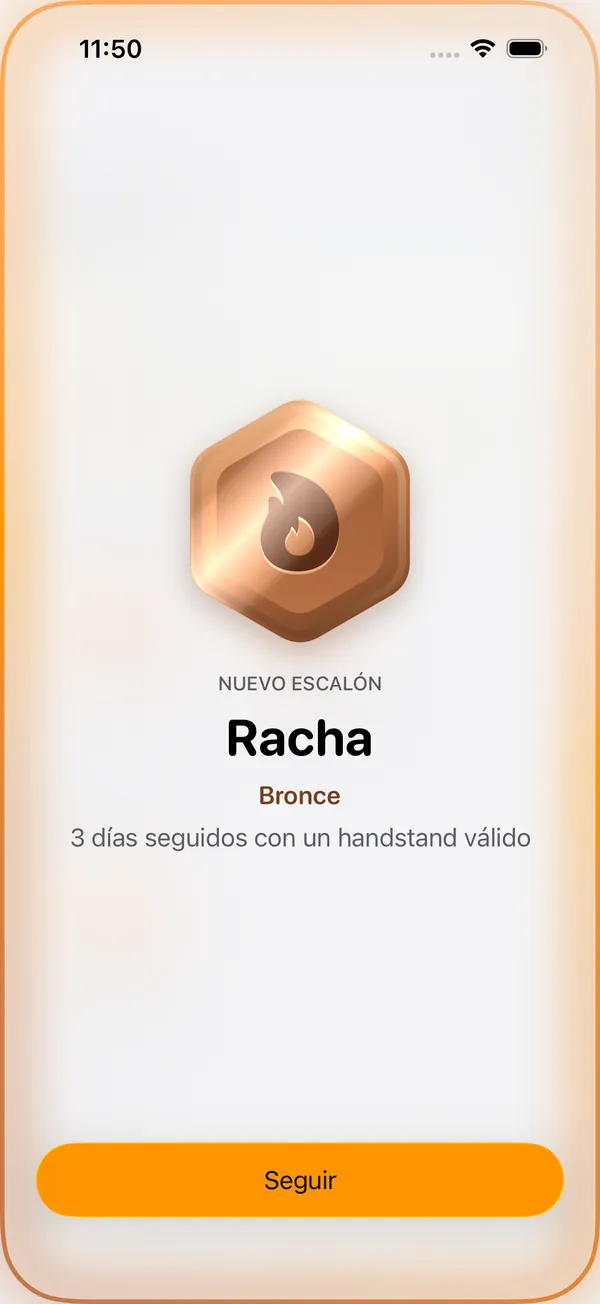
Medals for consistency
Streak, active weeks, volume and time, with tiers you earn.
Safety
Built to train with your head on
A lock that nudges you into a demanding exercise has to look after you. So the app ships with its own safeguards.
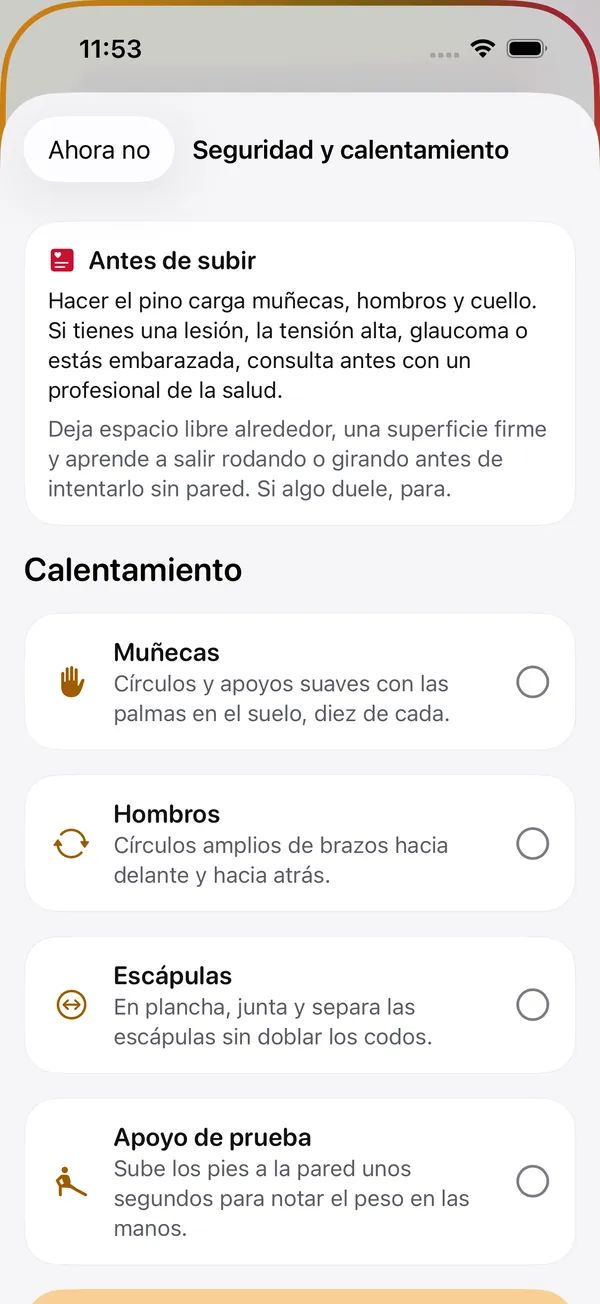
- A health notice before you start, with handstand precautions.
- A guided warm-up for wrists, shoulders and shoulder blades.
- A starting level against the wall, no skipping stages.
- Injury pause, for as many days as you choose.
- Emergency unlock with a reason, kept in your history.
Privacy
Your camera, your iPhone, nobody else
Handstand Arena was designed so the most sensitive thing, your image, never leaves your hand.
Video never leaves the iPhone
Frames are processed in memory and discarded: they are never written to disk or sent to any server.
Only numbers
Each attempt stores its time, line quality and angles. Nothing else.
No account, no cloud
No sign-up and no sync. Delete the app and your data goes with it.
Frequently asked questions
Can I get around the lock?
It is voluntary by Apple design: you can revoke the permission or delete the app at any time. That is why Handstand Arena is a commitment to yourself, not parental control. Inside the app, a handstand only counts if the camera sees it.
Which apps can I lock?
Whatever you choose in Apple's picker, individual apps or whole categories. Phone, Messages and Maps are left out so they are always within reach.
Do I need to know how to do a handstand?
No. You start against the wall and the app raises your level as you collect valid attempts.
What if I get injured or have an emergency?
You can pause the lock for an injury and use an emergency unlock, which asks for a reason and is kept in your history.
Is my video stored?
No. The camera is analyzed on the iPhone, in memory, and is never written to disk or sent off the phone.
How much does it cost and what do I need?
It is free, with no in-app purchases. You need an iPhone with iOS 26.2 or later.
Your next scroll starts upside down.
Download Handstand Arena, pick your apps and earn each one with a handstand.

Coming soon to the App Store.